Bookydays Business App for iOS and Android: Manage Your Cyprus Calendar from Your Phone
The Bookydays Business app — Workspace for iPhone, iPad, and Android — puts your Cyprus bookings, clients, staff, and walk-ins in your pocket. Free to start. No marketplace commission.
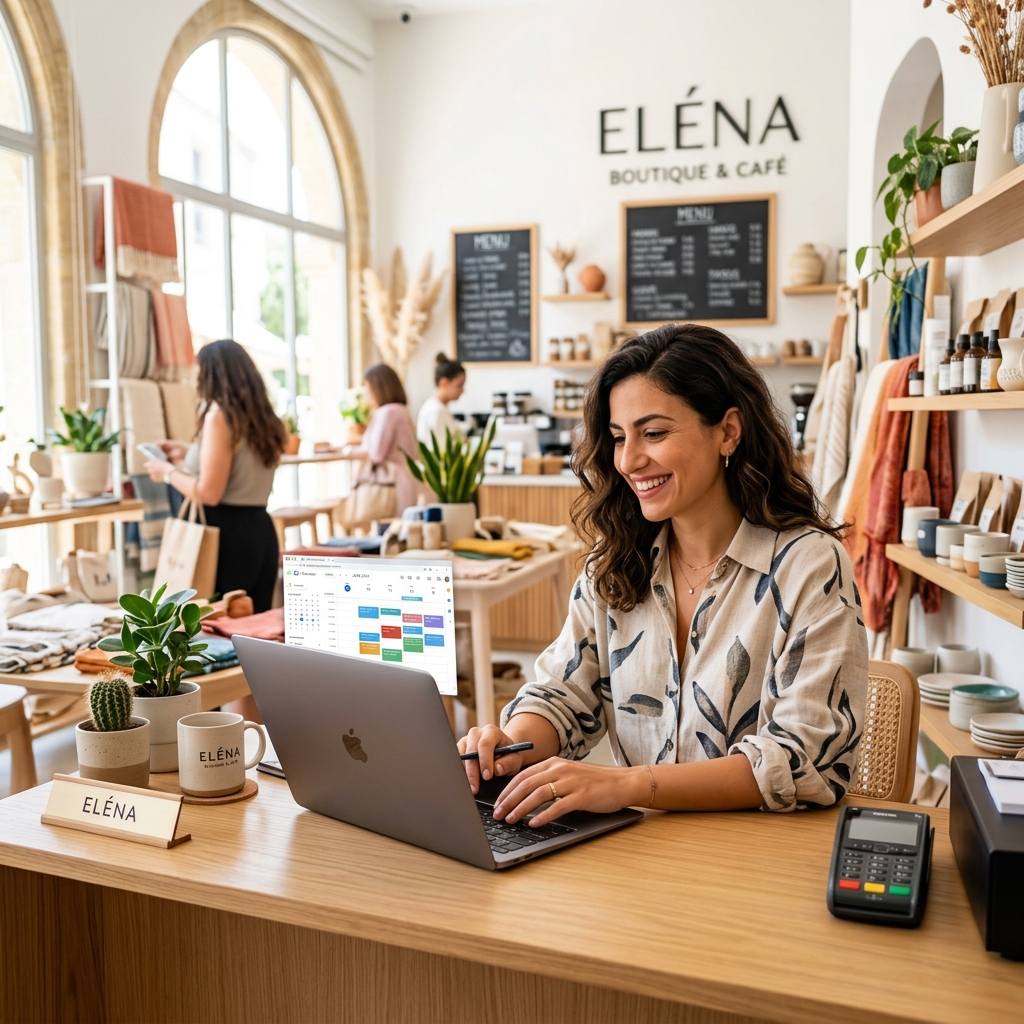
The Bookydays Business app is the iPhone, iPad, and Android app for Cyprus service businesses. It is listed on the stores as Bookydays Business and it is the mobile side of Bookydays Workspace. Download it, sign in, and run the same calendar your clients book on bookydays.cy.
This is the owner guide: where to get the app, what it does, how walk-ins work, and how it fits next to the website.
What is the Bookydays Business app?
Bookydays Business is Workspace in your pocket. You manage appointments, clients, staff, and services from a phone or tablet — not a paper diary and not a WhatsApp thread.
Clients book on the marketplace or your booking link. You see those bookings here, and you add the ones that still arrive by phone or at the door.
If you are a client looking for a haircut or a trainer, that is the other app: Bookydays for iPhone.
Is Bookydays Workspace on iOS and Android?
Yes — both.
- iPhone and iPad: Bookydays Business on the App Store (iOS / iPadOS 15.1 or later)
- Android: Bookydays Business on Google Play
The client app is iPhone-first today. Your Android clients still book you on the web. You do not wait on their store listing to run the business from Android.
How do I download the Bookydays Business app?
- On iPhone or iPad, open the App Store and search Bookydays Business — or use the App Store link
- On Android, open Google Play and search Bookydays Business — or use the Play Store link
- Install, then sign in with your Workspace account
- No account yet? Register free (no card), add services and hours, then open the app
Use only those two listings. The client app is named Bookydays; the owner app is Bookydays Business.
What can I do in the Bookydays Business app?
From the live store listings and Workspace, the app is built for the day you are already having:
- Calendar — see the day at a glance; create, change, and manage appointments
- Walk-ins and phone bookings — put a client on an open slot without leaving the floor
- Clients — keep the people who book you, not a notes app graveyard
- Staff — add team members, hours, and who can take which service
- Services — names, durations, and euro prices that match what clients see online
- Reminders — email on Free; SMS when you want a stronger nudge (Starter+)
- Campaigns and follow-ups on higher plans — including after-service thank-yous
The full feature story lives on Workspace features. The app is how you use that system between chairs.
How do walk-ins and phone bookings work?
Cyprus still books in person. The mistake is letting those bookings live somewhere else.
In Workspace, the calendar is the booking screen. You tap an open slot and create the appointment — same truth clients see on bookydays.cy. No sticky note. No double-book against an Instagram “yes” that never hit the diary.
Step-by-step on desktop or tablet: calendar quick-create. On the phone, it is the same idea: stay on the day, fill the gap, move on.
Does the app replace Workspace on the web?
No. They share one account and one calendar.
Use the app on the floor, in the car between clients, or at a pop-up Saturday.
Use the web Workspace at workspace.bookydays.cy for setup: services, weekly hours, buffers, reminder templates, marketplace listing, deposits, and campaigns.
Clients never need your app. They need your booking link and, on iPhone, the Bookydays client app.
Who is the Bookydays Business app for?
- Salons and colour bars juggling overlapping stylists
- Barbers packing 30-minute windows with walk-in overflow
- Nail studios and beauty rooms
- Clinics and wellness rooms
- Trainers and studios booking between sessions
- Any Cyprus service team tired of WhatsApp as a diary
If Fresha’s global app is what you are comparing, read Bookydays vs Fresha in Cyprus. Short version: local marketplace, flat euro plans, no commission on discovery.
How much does the Bookydays Business app cost?
The app is free to download. You pay for the Workspace plan, not a separate mobile licence.
- Free — €0 — booking page, calendar, client list, email reminders (monthly booking cap)
- Starter — €9.90 — unlimited bookings, SMS (pay-as-you-go), more staff
- Growth — €19.90 — thank-you SMS, deposits, campaigns, reviews
- Pro — €39.90 — unlimited staff, multi-location, white-label
No card to start. No percentage when a new client finds you on bookydays.cy. Full grid: pricing.
Bookydays Business vs “just use WhatsApp”
WhatsApp is a chat. It is not a calendar.
The app gives you live slots, staff who cannot be double-booked, reminders that go out without you typing them, and a public page that answers “are you free Saturday?” at 11pm. That is the difference between a busy Saturday and a Saturday you cannot reconstruct on Monday.
Pair the app with reminder templates and after-service thank-you SMS when you are ready to protect the week *and* the rebook.
Frequently asked questions
What is the app called on the stores?
Bookydays Business. On the website we call the product Bookydays Workspace. Same login.
Can I use it on a tablet at reception?
Yes. The App Store build supports iPad. Android tablets install from Google Play. Many Cyprus desks keep Workspace open on a tablet and use the phone when they leave the chair.
Will my clients have to download an app?
No. They book on bookydays.cy or your link. iPhone clients *can* use the Bookydays app. Android clients use the site until the client Play Store app ships.
Is my data the same as on the website?
Yes. One Workspace. Bookings you add on the phone show for clients online. Bookings they make online show on your phone.
How fast can I go live?
Most teams: register, add services and hours, share the link, install the app — under 15 minutes. Start free or request a callback.
What to do next
- Download on the App Store or Google Play
- Create your Workspace if you have not
- Compare plans on pricing and features on for business
- Tell clients about the Bookydays iPhone app so repeat bookings stay in their pocket
Keep reading
Bookydays vs Fresha in Cyprus (2026): Which Booking Platform Actually Fits Local Salons?
A detailed Cyprus comparison of Bookydays and Fresha — pricing model, marketplace fees, local discovery, SMS reminders, and why Cyprus salons, barbers, and clinics switch to Bookydays.
The + Button That Changes Your Day: Calendar Quick-Create in Bookydays Workspace
Walk-ins, phone bookings, last-minute fills — tap + on any open slot and book without leaving your calendar. The Cyprus salon feature owners ask for once and never want to lose.
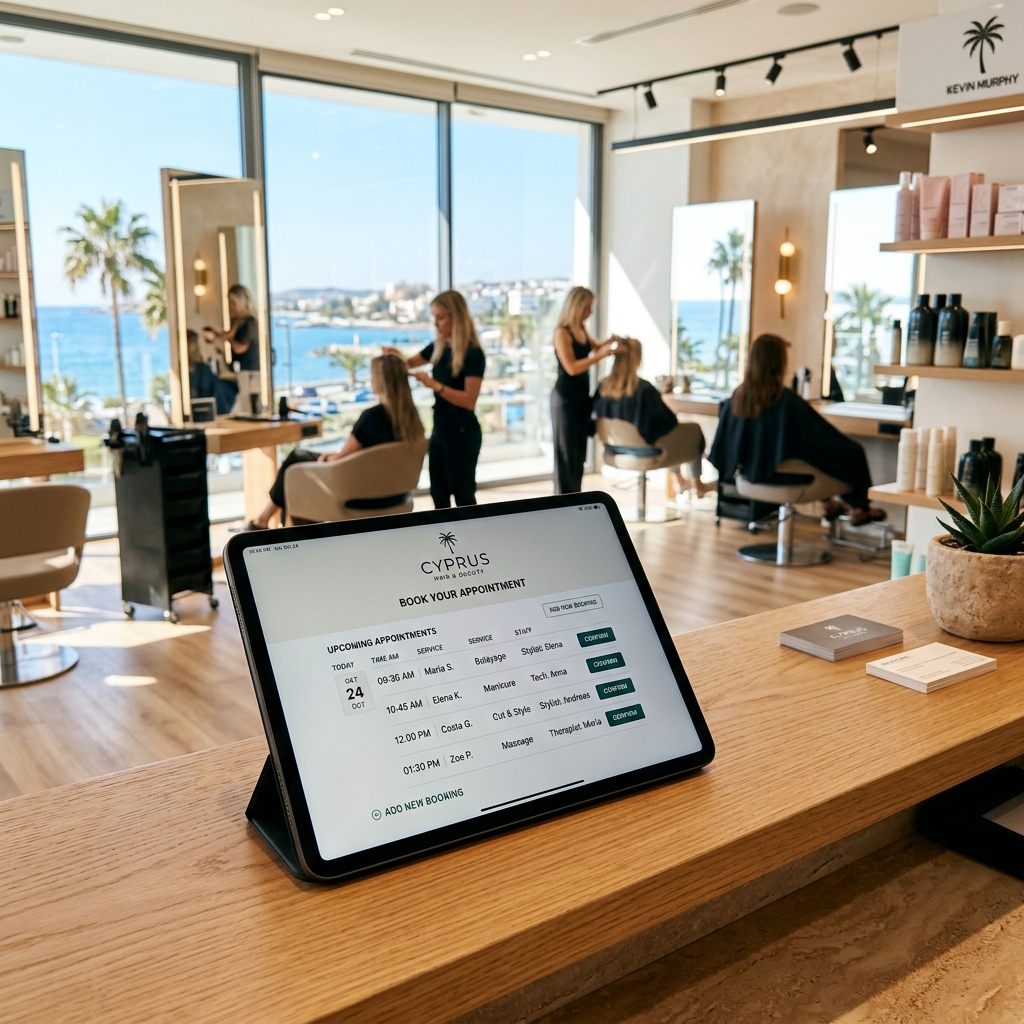
The Thank-You SMS That Brings Clients Back: After-Service Follow-Ups in Cyprus
Happy clients forget faster than you think. An automatic thank-you SMS after the appointment — timed your way — keeps your salon top of mind and your rebooking link one tap away.
Ready to accept bookings?
Add your business, set up your services, and share your booking link. Manage appointments and reminders from Workspace — free to start.
Free to start · No card needed · Book as a client